 BrandStills
 AI photos of your actual product
Can AI generate product photos of my actual product, not a lookalike?
Yes, but only with tools that render from reference photos of your product rather than from a text description. Prompt-only generators invent a plausible lookalike with a garbled label; reference-locked tools such as BrandStills work from two or three phone photos and keep the label text, logo, colours and proportions, though every render should still be checked against the real product.
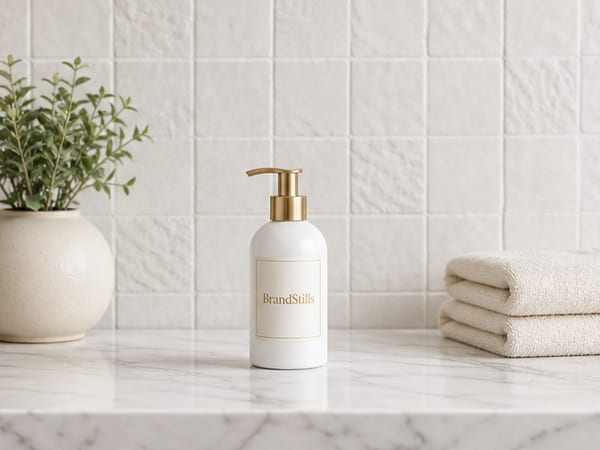
Ask a general-purpose image generator for “my lavender soap bar on a marble shelf” and you will get a lavender soap bar, just not yours. The wrapper will carry invented text, the embossing will be wrong, the size will drift. That is not a bug you can prompt away: a text-to-image model has never seen your product, so it generates a statistically plausible one from everything it has seen. For social mood boards that may be fine. For a listing it is a misrepresentation.
The distinction that matters: prompt-only versus reference-locked
The tools that can show your actual product start from photographs of it, not from a description. BrandStills works this way: you photograph the real product two or three times on your phone, and the app renders those photos into new scenes, a kitchen counter, a dark studio backdrop, a seasonal set. The label text, logo, colours and proportions are locked to your reference photos, so the render is your product relit and re-staged rather than a cousin of it. Because the product stays in the app’s library, a new scene later needs no reshoot.
What “actual product” honestly requires from you
Two things. First, real reference photos: the tool cannot photograph what you did not, so shoot the product clearly, label facing the camera, in soft daylight. Second, verification. Even a reference-locked render should be held up against the physical item before it goes live. Check the label wording, the closure, the colour of the contents. Treat renders like proofs from a printer: nearly always right, never published unread.
Where the line still sits
Rendering places your product in scenes and light you could not easily build. It does not put clothing on a model, and it will not fix a blurry reference photo. If a tool promises your exact product from a text prompt alone, with no photos of it, be sceptical.
If you are weighing a chatbot against a dedicated app, the BrandStills vs ChatGPT and Gemini comparison sets out where each one fits.
The quickest way to judge accuracy is on your own product: install, use the free credits, and compare the first render to the item on your desk. Get the app or see how it works.
Frequently asked questions
What photos does a reference-locked tool need?
Clear phone photos of the real product, usually two or three from different angles in even light, with the label legible. The renders can only be as faithful as the reference, so shoot near a window and skip the flash.
What should I check before publishing a render?
Read the label word by word, then compare the logo, cap or closure shape, colours and proportions against the physical product. Publish only images a buyer could hold next to the delivered item without noticing a difference.
Can AI show my product being worn or held by a model?
Not reliably enough to trust for fit or sizing, and BrandStills does not offer on-model try-ons. For clothing worn on a body, a real model shoot is still the honest option; for products placed in lifestyle settings, rendering works well.
Is BrandStills free?
BrandStills is free to install and includes starter credits. After that, you can subscribe for monthly credits or buy a one-time credit pack, no subscription required. Pack credits never expire. One credit makes one photo. Each edit creates a new photo, so it also uses one credit. Renders that fail do not use credits.
Related guides
You can make good product photos in ChatGPT or Gemini: upload clear photos of your product, describe the scene, and check the label carefully. BrandStills renders with current state-of-the-art image models, the same class of models behind the big assistants, but does the product photography work for you: it reads your label and proportions once, locks them into every render, checks each result against your photos, and keeps your products and dozens of ready-made scenes in one library. A chatbot suits one-off images; BrandStills suits a consistent set.
Do AI product photo generators change your label or logo?They can. Generators working from a text prompt alone invent the label, and even the current editing models in ChatGPT and Gemini, which keep short, clear text far better when you upload the real photo, still drift on small print, curved labels, fine logos and colours. Product photo tools narrow the risk by reading the label first, locking it into every render and checking the result, but every image should still be proofread before publishing.
How do I turn one product photo into many different images?Photograph the product once, then multiply that shoot in software: crop and recolour backgrounds in an editor for quick variants, and use an AI product photography app to render the same product into entirely new scenes. Two or three phone photos from different angles work better than a single one, because the tool then knows the product's shape from more than one side.
Last updated October 14, 2026.
Shoot once. Post all year.
Install BrandStills, add one product, and have your first studio photo before your coffee cools.
Free credits on install · Start in a minute