 BrandStills
 how many product photos for a website
How many product photos do I need for a website?
Plan on five to eight photos per product page: a hero shot, one or two angles, a detail close-up, a scale shot and at least one lifestyle image. Three is the workable minimum for a simple product, and beyond eight you are usually repeating yourself. Add homepage, category and banner images on top, which is why a ten-product site needs sixty to eighty photos, not ten.
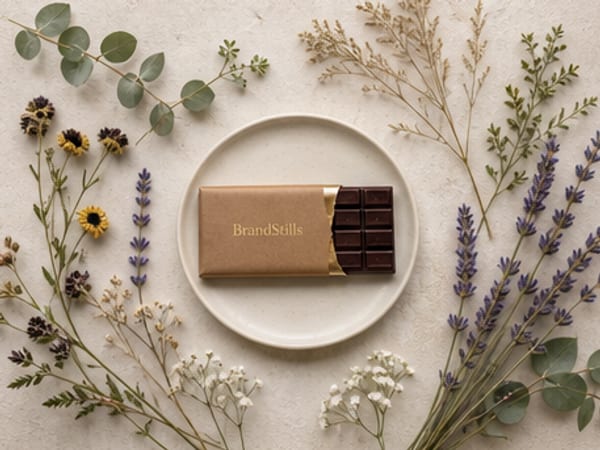
Five to eight per product page is the range that serves buyers well. Fewer than three and you are asking people to buy something they cannot properly inspect; more than eight and the extra frames usually repeat what an earlier one already showed.
The count is not arbitrary. Each photo exists to close a question a buyer cannot ask out loud: what does it look like (hero), what does it look like from the side or back (angles), how is it made (detail), how big is it (scale), and how will it look in my life (lifestyle). A simple product like a sticker can close those in three frames. A garment, a bag or anything with an inside, a clasp or a texture needs the full set, and products in several colours need a frame per variant on top.
The photos that are not on product pages
Counting only listing photos undercounts the job. A shop website also needs a homepage hero image, a banner or two, a category image per collection, an about-page photo and, if you run a blog or send newsletters, a steady supply of fresh images beyond the catalogue. This is why a modest ten-product site realistically consumes sixty to eighty photos at launch, and why photography is worth batching rather than shooting listing by listing.
Getting to that number without a studio week
Shoot the frames that must be real first: hero, angles, detail and scale, all doable at a window with a phone in one session per product. The lifestyle frames and the homepage and banner imagery are where most sellers run out of settings, and that gap is fillable with rendering. BrandStills takes two or three phone photos of each product and renders it into finished scenes with the label and colours locked, so one shoot per product covers the lifestyle slots and seasonal refreshes, and collection scenes like a product lineup give you banner-shaped images of several products in one frame without cloning. Each render takes about 30 seconds, and products stay in the library so photo sixty does not require shoot sixty.
Whatever mix you use, audit each product page as a buyer: if you could not confidently order it from the photos alone, a frame is missing.
Frequently asked questions
Is one great photo better than five average ones?
No, because the photos answer different questions rather than competing on beauty. One gorgeous hero still leaves size, texture and the back of the product unanswered, and unanswered questions lose sales. Five clear, honest photos beat one stunning one.
Do more photos slow my website down?
Only if you upload them carelessly. Export web-sized copies rather than raw camera files, and use your platform's built-in image optimisation. Modern shop platforms lazy-load galleries, so photo count itself is rarely the problem.
Does the number of images affect search rankings?
Not directly in any way the search engines publish. The real effect is indirect: pages that answer buyer questions convert better and get fewer bounces. Write descriptive alt text on each image, which helps both accessibility and image search.
Is BrandStills free?
BrandStills is free to install and includes starter credits. After that, you can subscribe for monthly credits or buy a one-time credit pack, no subscription required. Pack credits never expire. One credit makes one photo. Each edit creates a new photo, so it also uses one credit. Renders that fail do not use credits.
Related guides
To open an online shop you need around five photos per product (a clean hero shot, a scale shot, a close-up detail, a lifestyle shot in a real setting, and the packaging or back label) plus a handful of shop-level images: a banner, a logo or avatar, and a photo of you or your workspace for the about page. A phone and a window are enough to shoot the product photos yourself.
How many photos should an Etsy listing have, and what should they show?Etsy lets you upload up to ten photos per listing, and you should use all ten: a clear hero shot first, then scale, detail, lifestyle, variations, packaging and the back or label. Listings with most slots filled give buyers fewer reasons to hesitate than listings with two or three photos.
How do I turn one product photo into many different images?Photograph the product once, then multiply that shoot in software: crop and recolour backgrounds in an editor for quick variants, and use an AI product photography app to render the same product into entirely new scenes. Two or three phone photos from different angles work better than a single one, because the tool then knows the product's shape from more than one side.
Last updated October 14, 2026.
Shoot once. Post all year.
Install BrandStills, add one product, and have your first studio photo before your coffee cools.
Free credits on install · Start in a minute